Scatter Fabrics: pour a collection or rearrange
The Scatter tool on the dock deals the prints you pick across the quilt, or rearranges the fabrics already on it.
Scatter is on the dock under the quilt. Tap it and the dock becomes the Scatter bar: your picks on top, the Deal button on the right. When you close Scatter, the dock comes back.
Deal the fabrics you pick
Tap Scatter on the dock. The dock becomes the Scatter bar and waits for your picks.
In the Fabrics panel, tap a collection folder to pick the whole line, or tap single swatches. Group by collection, at the top of the panel, makes the folders. Any mix across collections and loose fabrics works. Tap again to unpick. The Scatter bar counts your picks as you go. Scatter leaves out cheater prints, panels and wide backs, because those are used whole.
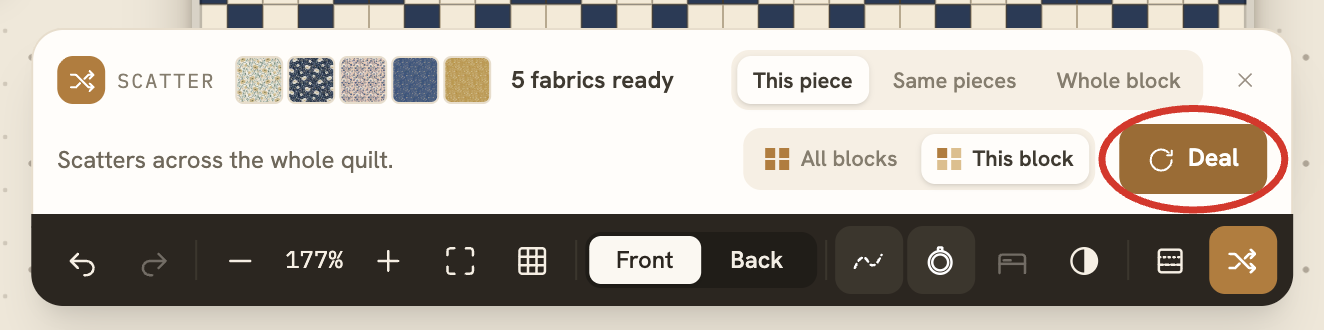
Tap Deal. The picked prints deal across the quilt. When the quilt has at least as many pieces as you picked prints, every print lands at least once. Tap Deal again for a fresh deal. Undo brings the last one back.
Dealing the fabrics you pick can change the supply list. Rearranging does not, so deal a collection on first, then rearrange as often as you like.
No blocks yet? Scatter anyway
Empty squares join the deal too: each one fills with a plain square of a dealt fabric. A layout with no blocks at all becomes a simple patchwork in one scatter. They are real squares, and the cut list and supply list count them. You can keep placing blocks over them whenever you like.
Quilts of one repeated shape scatter too
On a Hexie, Tumbler, Rectangle, Triangle, or Diamond quilt the deal covers every piece, edge pieces included. Rearranging trades whole shapes with whole shapes and edge pieces with edge pieces, so the cutting instructions stay the same. Undo brings a hand-painted arrangement back. On an On Point quilt the deal fills the diamonds and leaves the setting triangles as you painted them. On the Offset set the half blocks keep their fabric. Baby Blocks keeps its cube faces and doesn’t scatter.
Rearrange what’s placed
Tap Deal without picking anything and the placed fabrics trade places. The fabrics and the amounts are the same, so the supply list and the cutting instructions stay the same. Undo brings the old arrangement back.
Aim the deal
While the Scatter bar is open you can also say where the deal lands. Tap a piece on the quilt and it is outlined; the Scatter bar says the same in words. Two controls on the bar decide what a tap picks and how far it reaches.
This piece, Same pieces or Whole block: just the piece you tapped, every piece doing that job in the block (all eight points of a star), or the whole block. On a quilt of one repeated shape this control is not shown, because every patch is its own piece.
This block or All blocks: the block you tapped only, or every copy of that block, each copy its own draw. So This piece with All blocks re-deals the center of every star, star by star. Whole block with All blocks is the whole quilt again, and so is a tap on an empty spot of the worktable.
How the deal reads
Every deal gives each job in a block its own fabric, never the same print on two jobs of one block. The jobs of a block also take different values: a light background with a dark center this deal, the reverse the next. That keeps the blocks readable as blocks. If you want more randomness than that, tap single pieces with This piece. When your picks all read the same value there is no light against dark to sort, and the deal gives each job its own fabric.
Hand-placed pieces stay
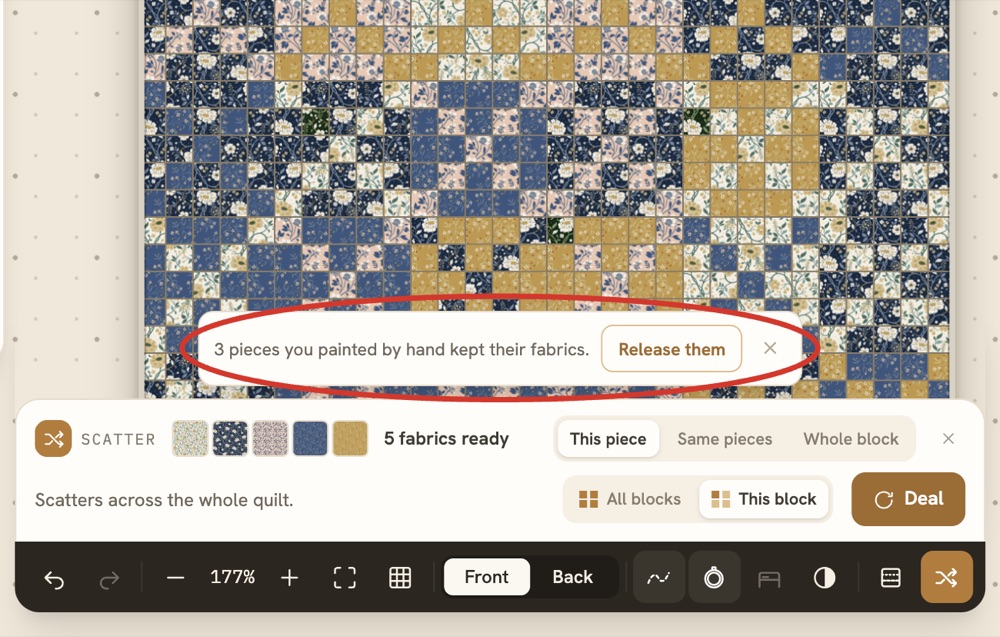
Pieces you painted one at a time (with the paint pill on This block) keep their fabrics through every deal. A note above the dock says how many stayed and offers Release them if you’d rather they join the next deal. Press Esc or tap the ✕ on the Scatter bar to close Scatter. The quilt keeps its last deal.