Your first quilt in a minute and a half: the quick start video
The short video the welcome opens. Where blocks and fabrics come from, where your picks land, the Inspector and SmartBlock, then painting the grid.
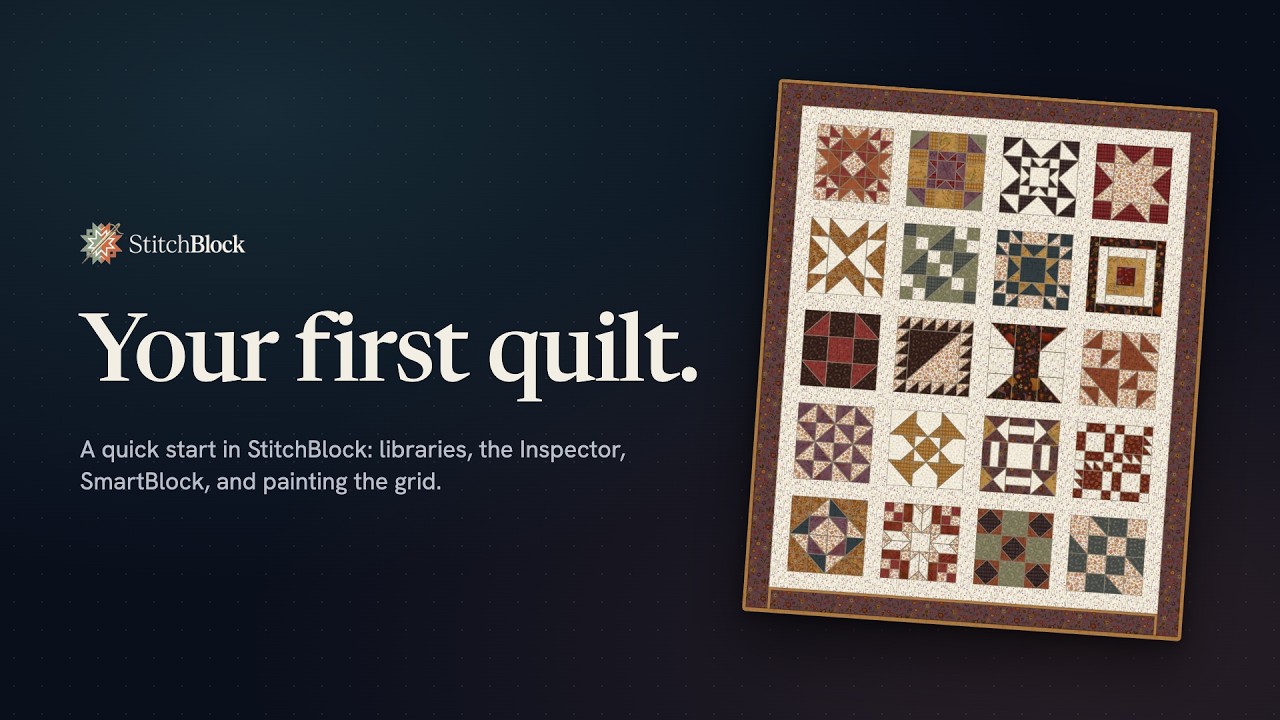
StitchBlock Quick Start: Design Your First Quilt Watch on YouTube, bigger and with chapters
Ninety seconds, in the order you will use the worktable. The written walkthrough with every step is Your first quilt, start to printed pattern.
The worktable. Your quilt is the grid in the middle, and everything you need sits around it.
Start at the Libraries menu. That is where blocks and fabrics come from.
In the Block Library, tap Add on any block you like. It joins your project.
Fabrics work the same way. Pull a collection, and add it to your project.
Back on the worktable, your picks are in the left rail: Blocks and Fabrics.
On the right is the Inspector. The first tab shows what is on your quilt.
SmartBlock is where you set the size. Pick a bed or a throw, set your block size, and the grid follows.
Arm a block and paint it onto the grid. Then paint fabric the same way, patch by patch.
Layout holds sashing, borders, and binding. When you are ready, the Binder writes your pattern.
Tip: You can open the welcome again, and this video with it. In Help, tap Show the welcome again at the bottom of the left menu.