Frame a block — one or more frames around it
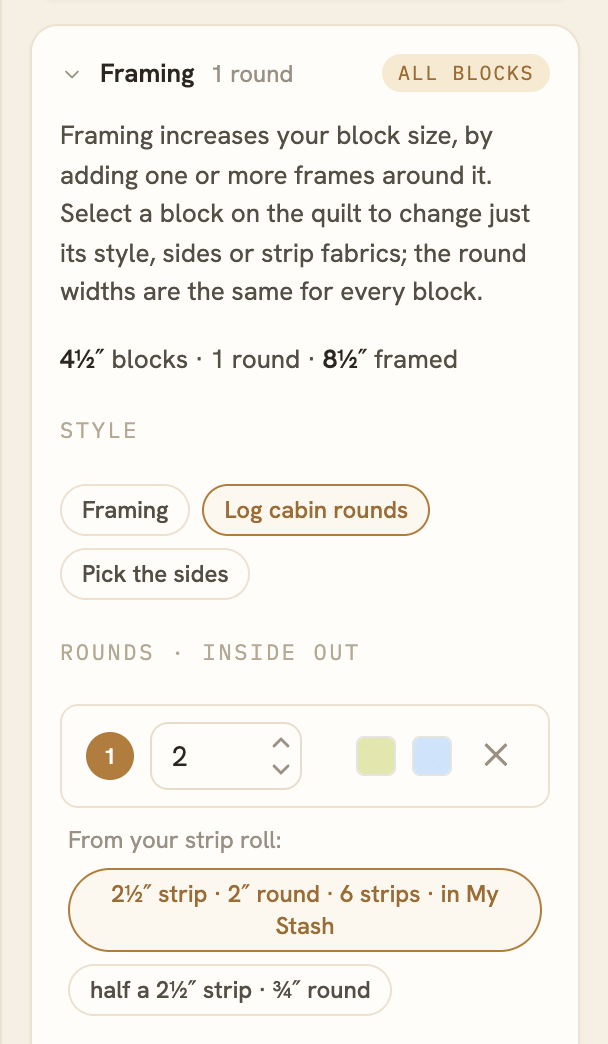
The Framing card on the SmartBlock tab. Framing increases your block size by adding one or more frames around it. Pick one of three styles: Framing, Log cabin rounds or Pick the sides. The pattern cuts every strip.
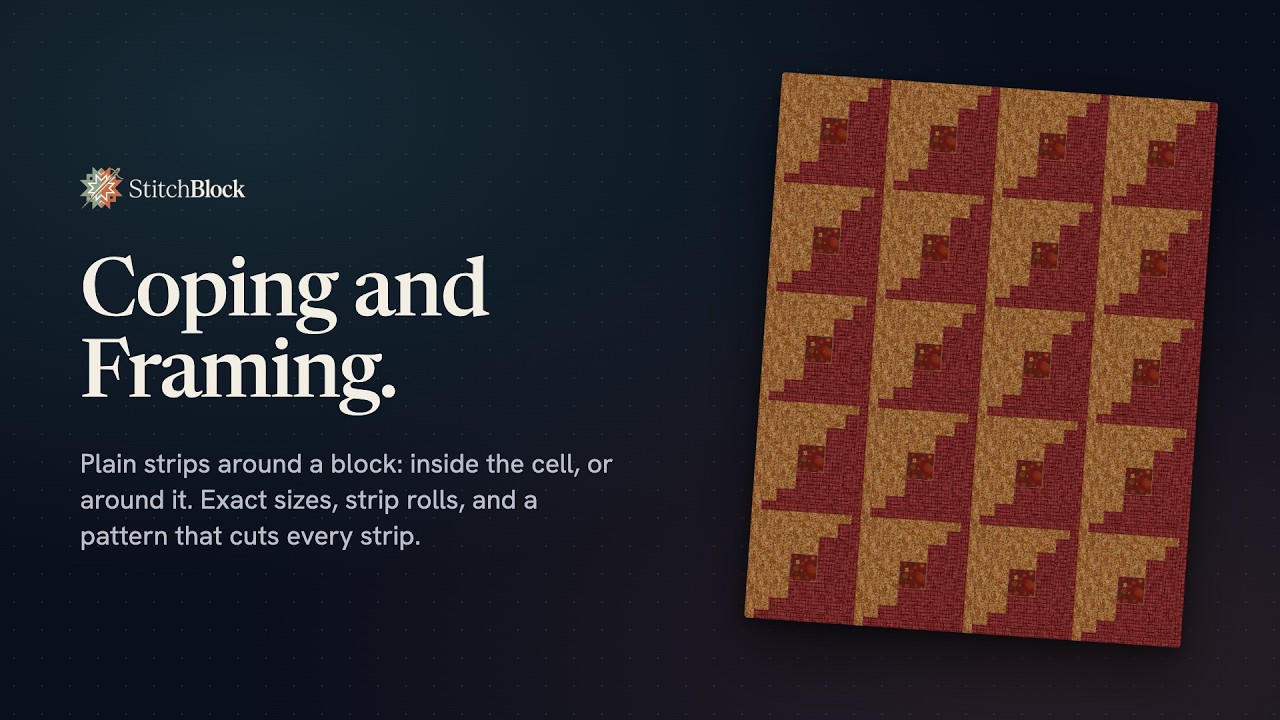
StitchBlock Coping & Framing: Fix Blocks & Build Log Cabins Watch on YouTube, bigger and with chapters
Framing puts plain strips around your block, the way Frame it does in the Block Builder. Your block keeps its size, and the quilt’s block size gets bigger to hold the strips. A 4½″ block with one 2″ round makes 8½″ blocks, and the card says so: 4½″ blocks · 1 round · 8½″ framed.
Coping keeps the cell and makes the block inside smaller. Framing keeps the block and makes the quilt’s block size bigger. For coping, see Frame a block with coping strips.
Frame your blocks
Place a block on your quilt and open the SmartBlock tab. The Framing card sits right after Coping.
Tap a style: Framing, Log cabin rounds or Pick the sides. Every block you have placed gets a frame of one 1″ round, and your quilt’s block size grows to hold it.
Set the rounds. Give each round its own width in ¼″ steps, and tap + Add round for more, up to six. The card lists them inside out. Changing a width changes every block, because every block on your quilt is the same size.
To give one block its own look, tap it on the quilt. The pill on the card changes from All blocks to Selected block, and you can give that block its own style, pair of sides and fabrics. On a Single Block quilt the pill reads The quilt’s block.
A block you place later has no frame until you tap Frame them too on the card. To take the frame off, tap Remove the frame from every block at the foot of the card.
Three styles
Framing: the top and bottom strips run the full width, and the sides sit between them. It is the Block Builder’s Frame it picture, so a block you frame here and the same block framed in the builder cut alike.
Log cabin rounds: each strip goes on clockwise and covers the end of the one before. Paint two sides that meet at a corner light and the other two dark, and you have a log cabin. Rotate and Flip turn a framed block’s frame with it, so you can turn a log cabin made with Framing on the quilt.
Pick the sides: all four sides, or two that meet at a corner. With two sides, your block sits in the opposite corner. Two opposite sides, one side or three would make a rectangle, and blocks are square, so the card doesn’t offer them.
Strips from a strip roll
A strip roll works like any other precut. Add it to Project Fabrics in Fabric-Fit, from the Library or from My Stash. A roll that is only in My Stash is not on the quilt yet, and nothing is cut from it.
With a roll in your project, chips appear under the rounds. One reads 2½″ strip · 2″ round. The other reads half a 2½″ strip · ¾″ round, for a strip cut in half lengthwise. Tap a chip to set the round to the width that roll makes. The chip then says how many strips the frame needs against what you have.
The frame and coping strips of every print in the roll then cut from the roll. Fabric-Fit lists each strip size with how many pieces a roll strip gives, and the Supply List counts roll strips. The pattern’s Frame strips rows say “from your 2½″ strip roll, cut 7″ from the strips”. Paint a roll print on a strip and, when the roll runs out, the app asks you what to do, as it does for a pack’s squares.
A 2½″ strip roll cuts frame and coping strips 2½″ wide, or two across a strip (1¼″ wide or less). Other widths cut from yardage to reduce waste. The Framing and Coping cards say the same for the roll on your quilt.
Paint the strips
Arm a fabric in the Fabrics panel and tap a strip on the quilt. Each strip paints on its own. With the paint pill on Matching blocks, one tap colors that same strip on every block where it shows the same fabric. A light and dark log cabin takes one tap for each side of each round, however many blocks your quilt has.
If you change the block size later
The frame keeps its widths, so a new block size goes to the center. A 9″ block with a 2″ frame has a 5″ center now, and the card says so. That new size is the frame’s size from then on, whether you typed it, picked a preset, fitted a bed or accepted a SmartBlock size. The card does not ask whether to go back.
The one exception is a size the rounds do not fit. The frame pauses, and the card names a block size that brings it back. The app never changes your widths on its own.
Coping inside the frame
You can use a frame and coping together: the frame outside, the coping inside. When your framed block rounds, cope it on the Coping card. The card copes the center, and the frame goes around the coped block. The Framing card’s size line says so: 6⅛″ blocks · coped to 6½″ · 1 round · 8½″ framed. Your pattern cuts and sews the coping strips first, then the frame strips. When the coping trims, you trim the coped block before the frame goes on.
Framing in the Block Builder
The Block Builder’s Frame it row works in Easy and Advanced, for any block built on a grid. In Easy the frame makes the size the block is made for bigger: the heart inside stays 9″, framed to 13″. In Advanced the block stays the quilt’s block size, so the row says what the picture inside becomes: 1⅝″ frame · 3¼″ inside.
Save a framed block from the builder when you want a frame on only some of your quilt’s blocks. The Framing card on the worktable frames the whole quilt.
On Point, and framed diamonds
On an On Point quilt a framed block turns 45° as one square, strips and all. The setting triangles follow the bigger block size.
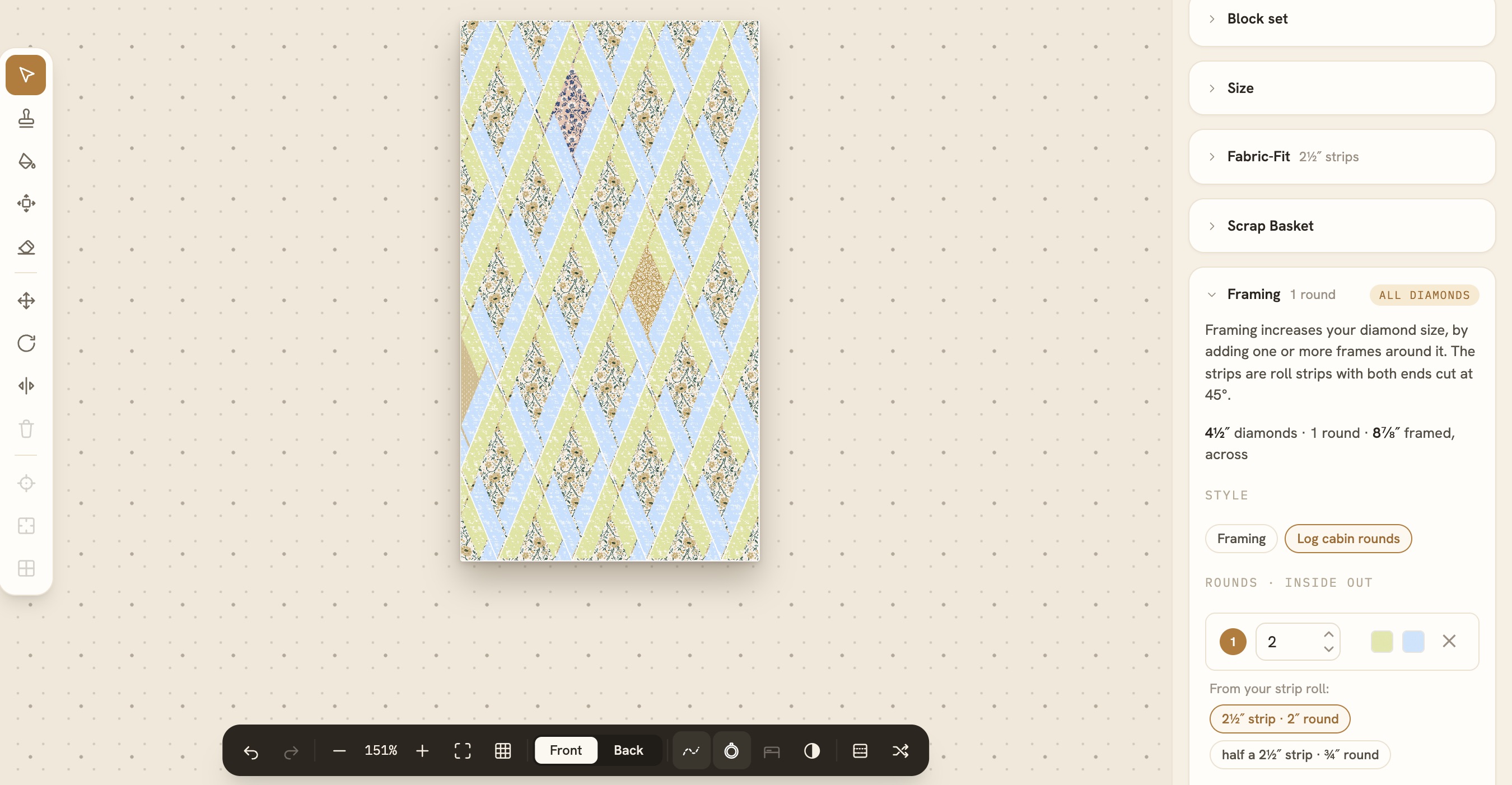
On a 45° Diamond or 60° Diamond quilt the card frames every diamond alike: one frame, the same strips on each. The strips are roll strips with both ends cut at the diamond’s angle. Their cutting rows draw the angled strip and say how far apart to cut along its edge. The framed diamond’s center is the piece the diamond recipe cuts. Edge diamonds are framed whole and trimmed flush like the rest.
The pattern counts every strip
Your block’s cutting section gets a Frame strips band, with one row for each strip length and fabric. Its assembly gets a labeled step for the style you picked, with pictures of the framed block as sewn and exploded. A log cabin frame also prints the Log Cabin technique card on the block sheet.